
How it works, step by step
You don't need to be a cryptographer. Here's exactly what happens to your mail, in order.
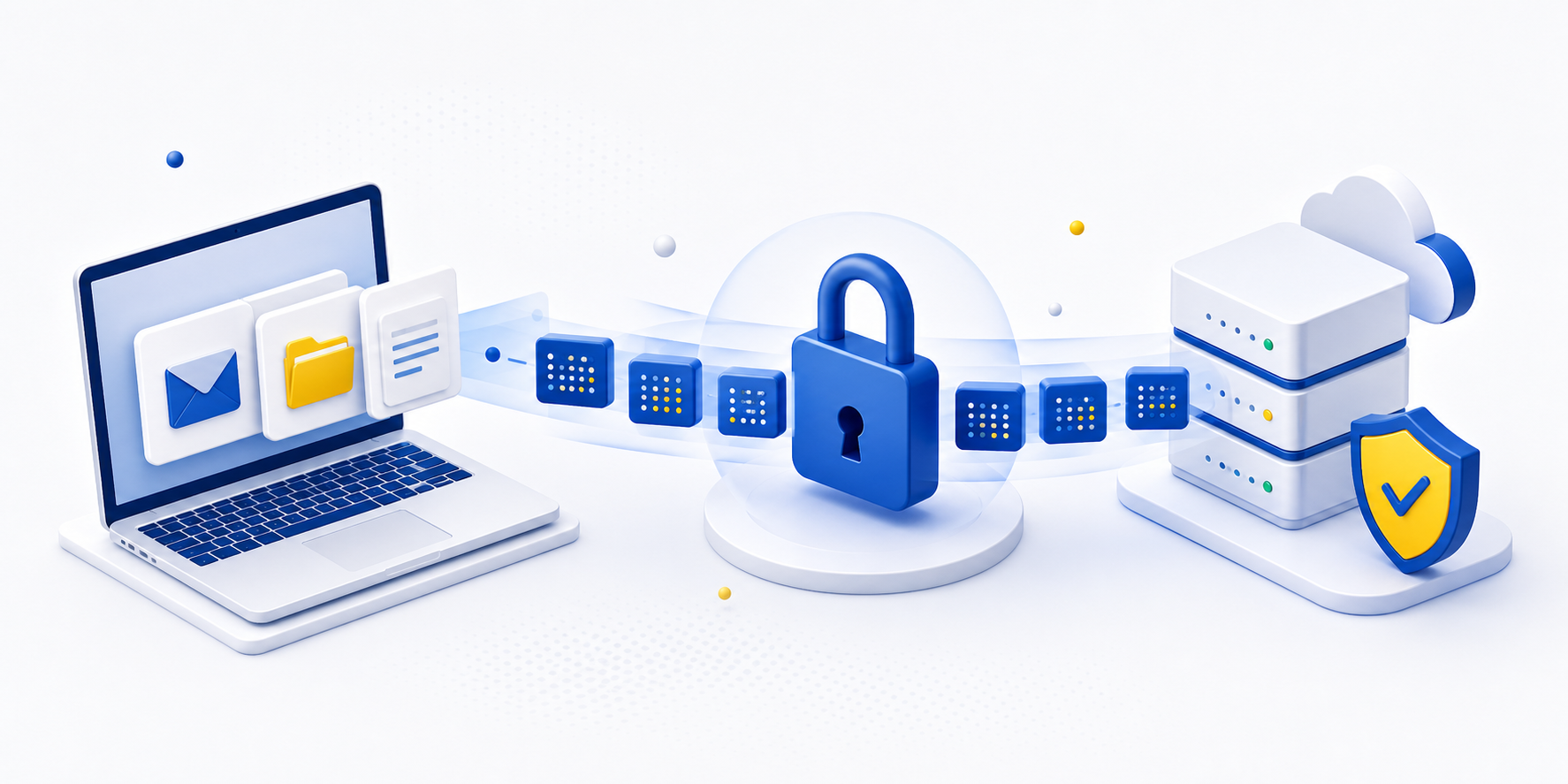
-
Download from your mailbox
The app connects to Gmail, Yahoo, or any IMAP account and reads the mail you want to archive.
-
Encrypt on your device
Each message is encrypted locally with a key derived from your password. The key never leaves your device, and the client code is open source for verification.
-
Upload only ciphertext
Only ciphertext ever reaches our servers. You can inspect the open-source client to verify that data is encrypted before upload.
-
Verify integrity
The app confirms every message uploaded correctly and can be decrypted again before moving on.
-
Purge, optionally
If you choose, archived mail can be deleted from your provider to free up space — only after the archive is confirmed.
What happens if you forget your password
You have several recovery paths: your 12-word recovery phrase, or any other device you are already signed in on can unlock the archive again.
If you lose ALL of your paths — your password, your recovery phrase, and every signed-in device — even we cannot recover your data. That is exactly what zero-knowledge means: we hold no backup key. Keep your recovery phrase somewhere safe.